×

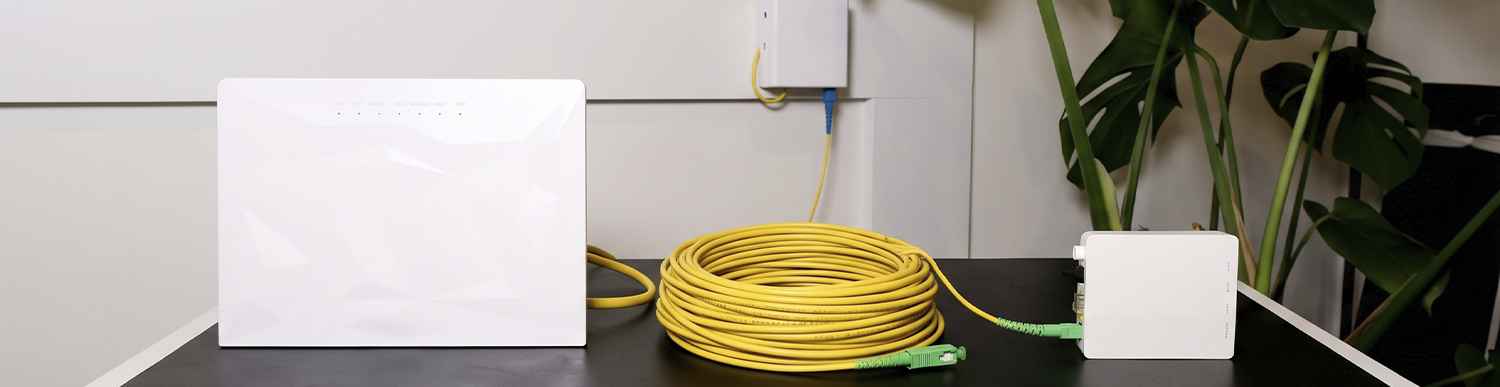
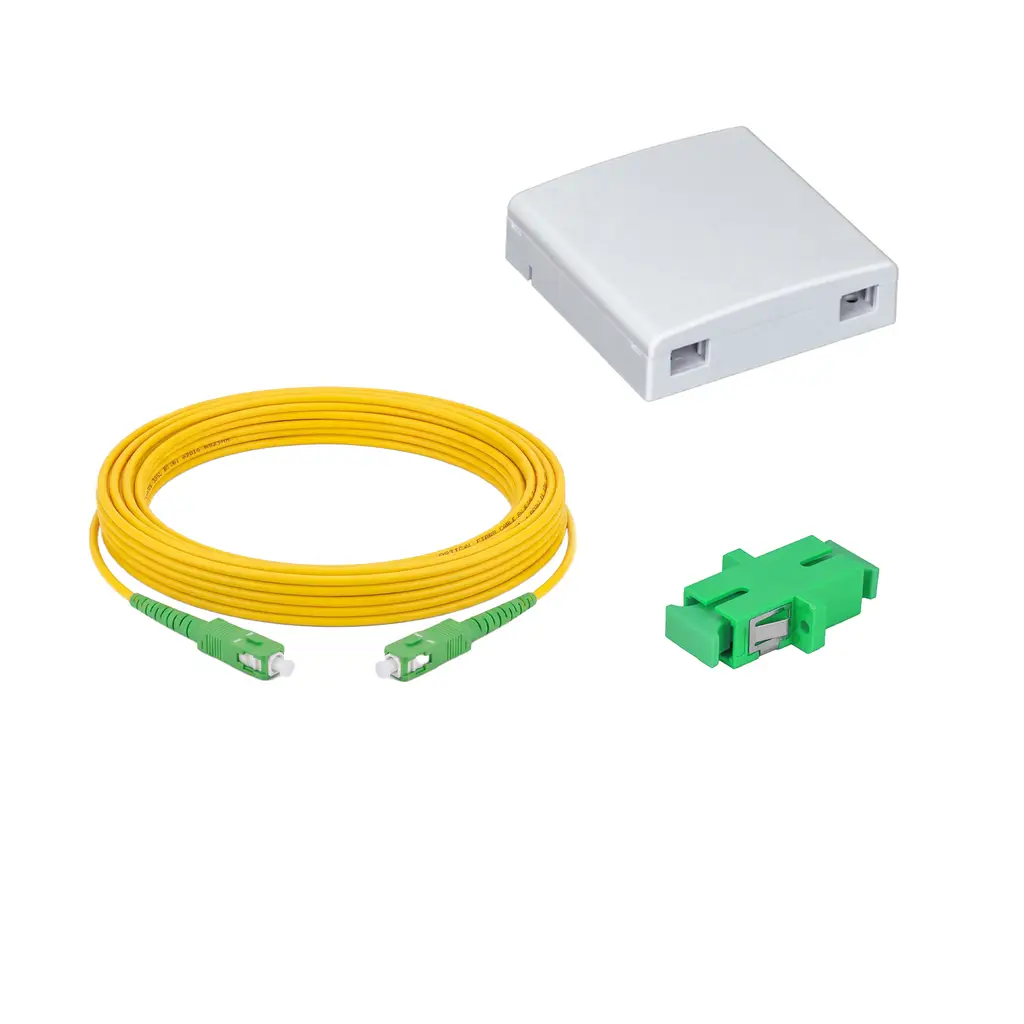
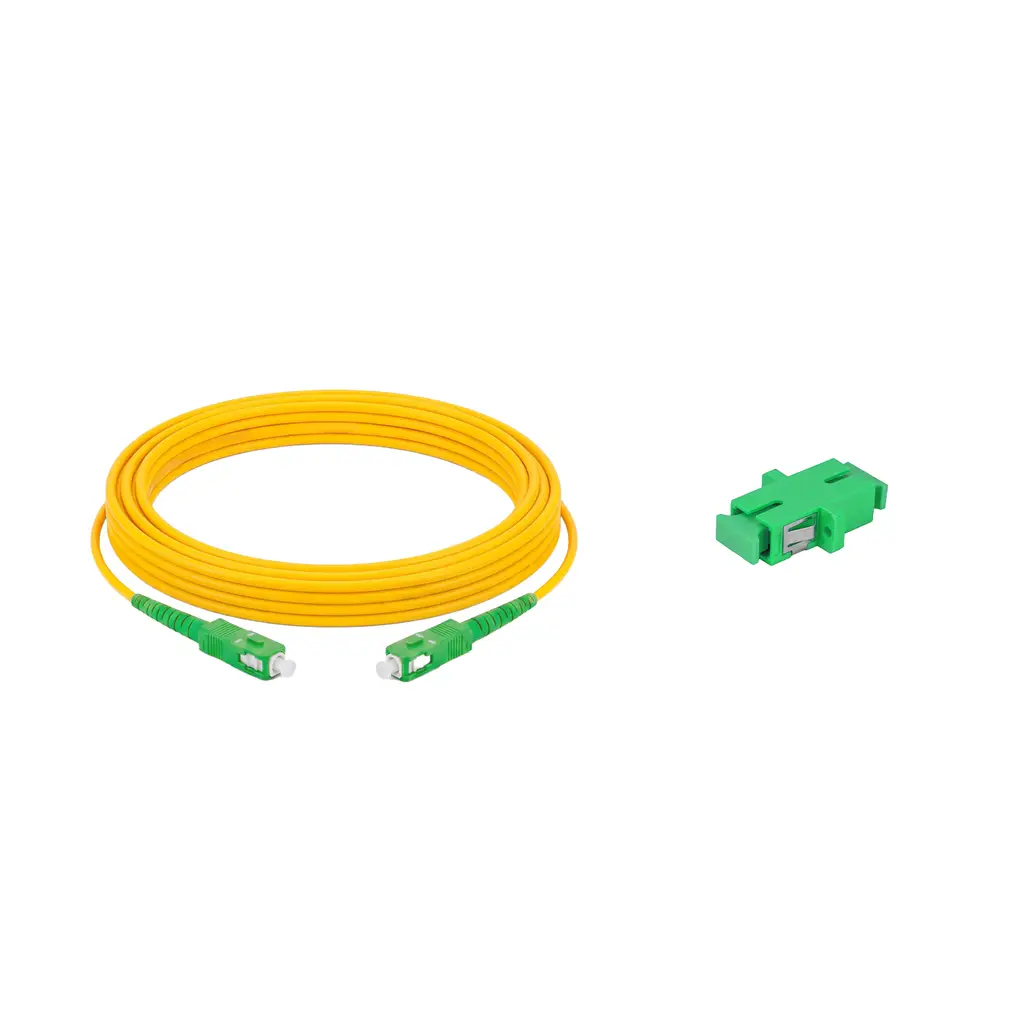
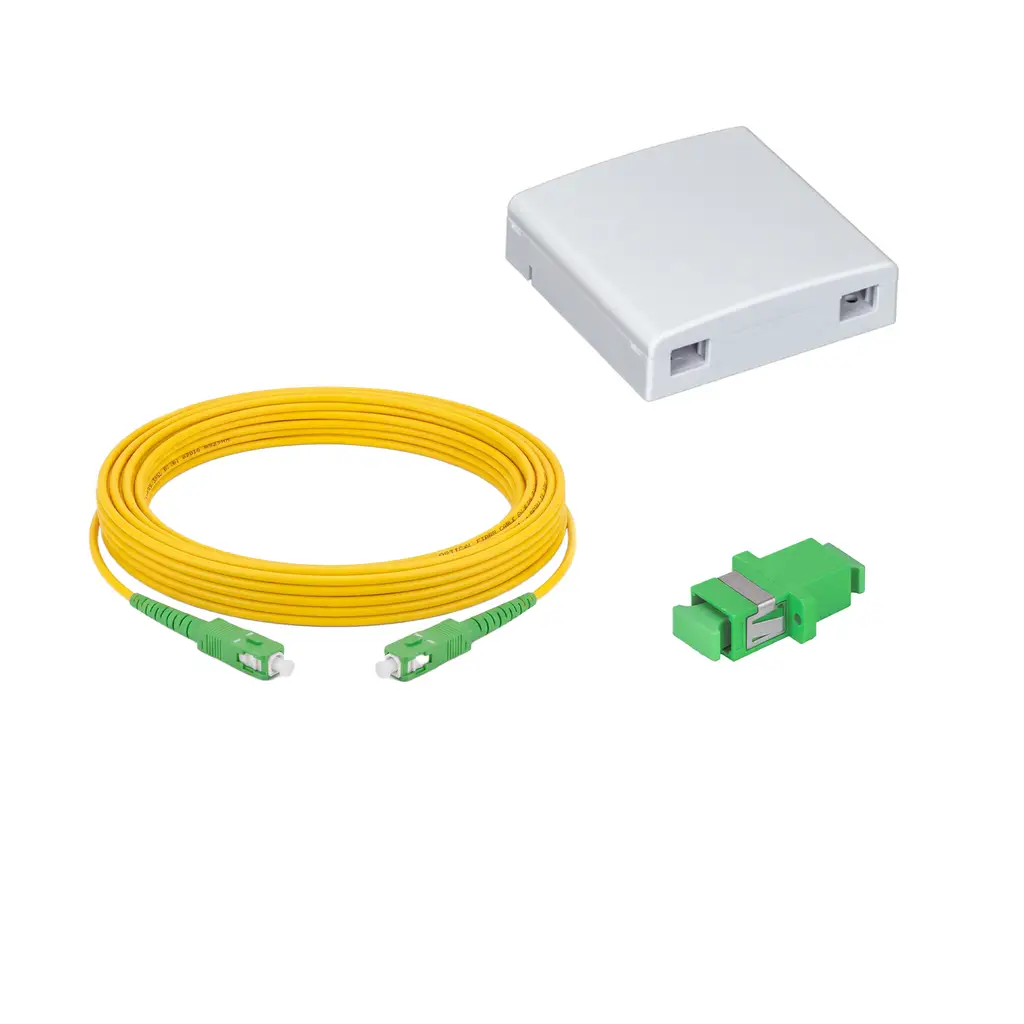
Fibre optic cable extension is a practical solution for extending an existing fibre optic connection when the current cable does not reach the desired location of the modem or ONT device. Fibre extension kits are available in 6 and 10 metre lengths, with boxed and unboxed options. The fibre optic adaptor included in the kit connects the existing cable to the extension cable, while the other end of the extension cable is connected to the green fibre port on the ONT device. There is no need to interfere with the fibre box installed in your home by the operator. The right choice depends on the distance you want to move the modem and whether you want to keep the connection point organised inside a box.
Estimated reading time: 5 minutes
When you want to move your modem or ONT device to a different location, the existing fibre optic cable may not be long enough. In this case, the fibre cable can be extended using a suitable fibre optic adaptor and extension cable.
During the extension process, the end of the existing cable is connected to one side of the adaptor, while the extension cable is connected to the other side. The opposite end of the extension cable is then connected to the green fibre port on the ONT device. The connection sequence is as follows: existing cable, adaptor, extension cable, ONT device.
This process can be carried out from the end of the fixed cable without interfering with the fibre box installed in your home by your operator. In this fibre extension cable guide, we will explain the installation process, the difference between boxed and unboxed kits, and how to choose the right cable length step by step.
Extension kits are differentiated according to two criteria: cable length and whether a white fibre box is included. These criteria result in four different product options.
| Product | Length | Fibre Box | Kit Contents |
|---|---|---|---|
| 6-metre boxed | 6 m | Included | White fibre box, adaptor, cable |
| 6-metre unboxed | 6 m | Not included | Adaptor, cable |
| 10-metre boxed | 10 m | Included | White fibre box, adaptor, cable |
| 10-metre unboxed | 10 m | Not included | Adaptor, cable |
In boxed kits, the adaptor is placed inside the white fibre box, keeping the connection point neatly organised in one place. In unboxed kits, the connection is made directly using the adaptor. The installation steps are the same for both 6-metre and 10-metre kits; only the cable length differs.
Before starting the installation, remember that you should not interfere with the existing fibre box. The entire process is carried out from the end of the fixed cable.
Mount the white fibre box included in the kit.
Place the adaptor inside the box.
Connect the end of the existing cable to one side of the adaptor.
Connect the extension cable (6 or 10 metres) to the other side of the adaptor.
Move the modem to its new location and route the cable to that point.
Connect the end of the cable to the green fibre port on the ONT device.
Connect the end of the existing cable to one side of the adaptor.
Connect the extension cable to the other side of the adaptor to join the two cables.
Route the cable to the modem's new location.
Connect the end of the cable to the green fibre port on the ONT device.
That's it. Your connection has now been extended to the desired location.
There is no single answer that applies to everyone, as the choice depends on the distance you want to move the modem. A 6-metre cable is sufficient for a nearby location. For a more distant location or a route that needs to go around corners, a 10-metre cable provides more flexibility.
It is best to measure the actual route the cable will follow rather than measuring the distance in a straight line. For example, if the modem will be moved 5 metres away but the cable needs to follow a winding route, the 10-metre option may be a safer choice.
Boxed and unboxed kits serve the same purpose; the difference is how the connection point is organised. If you want to keep the connection neatly contained inside a white fibre box, a boxed kit is suitable. If you prefer to proceed using only the adaptor and cable without an additional box, an unboxed kit is sufficient. Both types are available in 6-metre and 10-metre options.
Fibre optic cable is sensitive to physical damage. For this reason, pay attention to the following points during installation:
Do not interfere with the existing fibre box.
Use a suitable adaptor.
Do not bend the cable at sharp angles.
Do not crush the cable or route it under doors or furniture.
Do not stretch the cable excessively.
Make sure the connectors are clean and undamaged.
Performance depends on the compatibility of the cable and adaptor, correct connections, and proper cable installation. Crushing, excessive bending or damaged connectors can negatively affect the connection.
Yes. It can be extended using a suitable adaptor and a compatible extension cable.
The kits covered in this guide are available in 6-metre and 10-metre lengths.
Yes. An adaptor is used to connect the existing cable to the extension cable and is included in the kit.
One end is connected to the adaptor, while the other end is connected to the green fibre port on the ONT device.
A 6-metre extension cable is suitable for shorter distances, while a 10-metre cable is suitable for longer distances.
In a boxed kit, the adaptor is placed inside the white fibre box. An unboxed kit does not include an additional box.
No. The extension is carried out from the end of the fixed cable.
Extension cables provide a practical way to move your modem to a location that cannot be reached by the existing cable. Choose a 6-metre or 10-metre cable according to the required distance, and select a boxed or unboxed kit based on your installation preference. Using a compatible adaptor and routing the cable without bending or crushing it are essential for a successful installation.
01.10.2026
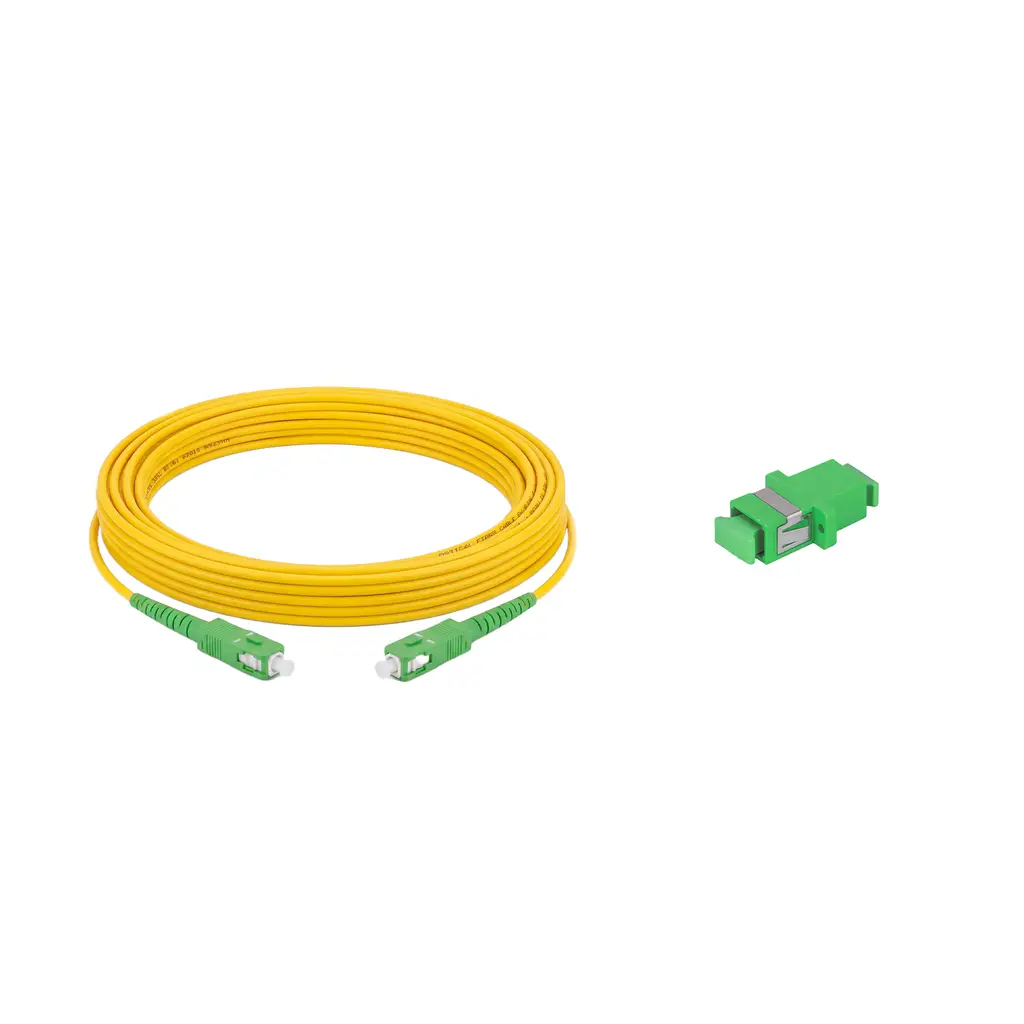
Fiber Modem Relocation Kit (10 Meter - Without Outlet Box)




Alfafonet Complete Connectivity Solutions © 2026 All Rights Reserved.


0
)