×

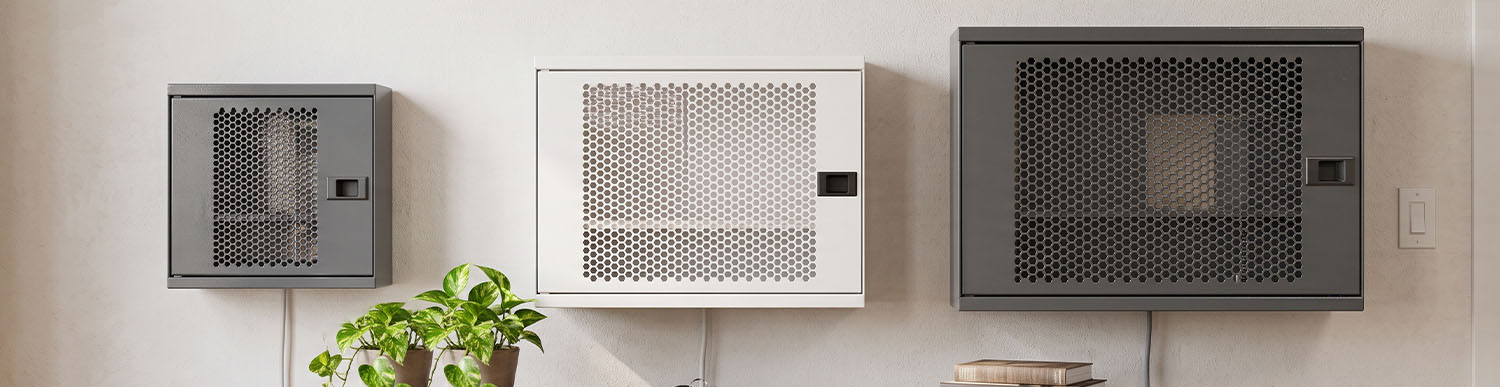
When choosing a modem box size, consider more than the modem’s width, depth and height. You also need to allow for antennas, the power adapter, cable connections and the space required for airflow. The internal dimensions must accommodate the modem and all its accessories, while the external dimensions must fit the available space.
Estimated reading time: 6 minutes
To choose the right box, the internal dimensions must be large enough to accommodate the modem, adapter space, cable bend allowance and ventilation clearance. A practical formula is:
Required internal dimensions ≈ modem dimensions + adapter space + cable bend allowance + ventilation clearance
The exact amount of clearance depends on the modem model and box design. First, check the positioning recommendations in the modem manufacturer’s manual, then review the box’s technical specifications.
Use a ruler or tape measure and follow these steps:
Width: Measure from one side of the device to the other.
Depth: Measure from the front to the back. Note the direction in which cables exit the rear panel.
Height: Measure from the bottom to the highest point. If the modem has upright antennas, measure the height with the antennas included as well.
Power adapter: Check the adapter’s dimensions and the direction of its plug connection.
Cables: Allow for the distance Ethernet, fibre-optic and power cables extend from the device, as well as the space needed to bend them. Fibre-optic cables must not be bent sharply.
Record the measurements: Compare them with the usable internal dimensions of the box.
You can complete the following table using your own devices:
| Device | Width | Depth | Height | Notes |
|---|---|---|---|---|
| Modem | _____ | _____ | _____ | Are the antennas included? |
| ONT / fibre-optic device (if applicable) | _____ | _____ | _____ | |
| Switch (if applicable) | _____ | _____ | _____ | |
| Power adapter | _____ | _____ | _____ | Inside or outside the box? |
| Internal dimensions | External dimensions | |
|---|---|---|
| What do they indicate? | Usable space for the modem and its accessories | Space required for the box itself |
| What should they be compared with? | Modem + adapter + cables + ventilation clearance | Available wall, shelf, furniture or cabinet space |
| What should you consider? | The body thickness and door design may reduce the usable internal space | Allow for installation and door-opening clearance |
When people refer to modem box dimensions, they often mean the external measurements. However, the internal dimensions determine whether the device will fit inside. Checking only the external dimensions does not tell you whether the modem will fit, while checking only the internal dimensions does not show whether the box will fit in the intended location. Both must be checked.
You can also read our guide on what to consider when choosing a modem box, which covers factors such as material, ventilation and the impact on Wi-Fi signal, in addition to dimensions.
Components other than the modem can significantly increase the total space required:
Antennas: Allow for the height of fixed antennas and the movement range of adjustable antennas. Antennas should not be cramped inside the box.
Power adapter: If it will be placed inside the box, allow separate space for it. If it will remain outside, ensure the cable outlet is suitable.
Ethernet and fibre-optic cables: The connectors plugged into the ports increase the overall depth of the device. Make sure the connectors are not pressed against the box walls.
Ventilation: The modem should not be completely enclosed without sufficient clearance. Do not block any ventilation openings.
If you use a metal box, remember that the enclosed metal body may affect Wi-Fi signal strength. Test the coverage after installation. For more details on ventilation, Wi-Fi and material considerations, see our modem box buying guide.
The figures below are illustrative. Use your own measurements for actual devices.
| Width | Depth | Height | |
|---|---|---|---|
| Modem (including upright antennas) | 24 cm | 16 cm | 20 cm |
| Example allowance for side clearance and cables | +5 cm | +5 cm | +4 cm |
| Required internal dimensions | ≈ 29 cm | ≈ 21 cm | ≈ 24 cm |
If the power adapter will be placed inside the box, allow additional space in the width or depth. These allowances are examples, not a standard. The manufacturer’s recommendations should always take priority.
If you use an ONT, router, switch or multi-socket extension alongside your modem, calculate the combined dimensions based on how the devices will be arranged:
Side by side: Add the widths together and use the largest depth and height.
Stacked: Add the heights together and leave space between devices for airflow.
Installations involving several devices may require a solution with greater internal capacity.
On a desk or shelf: The base dimensions must fit the available surface, with enough clearance around the box for cable access. Check the shelf’s load capacity as well.
Wall-mounted: In addition to the external dimensions, plan for door-opening clearance, mounting points and cable direction. For more details, see our guide to choosing a wall-mounted modem box and modem shelf.
In a narrow space or inside furniture: First, measure the available width, depth and height. Rather than simply choosing the smallest model, select dimensions that provide sufficient airflow and cable access.
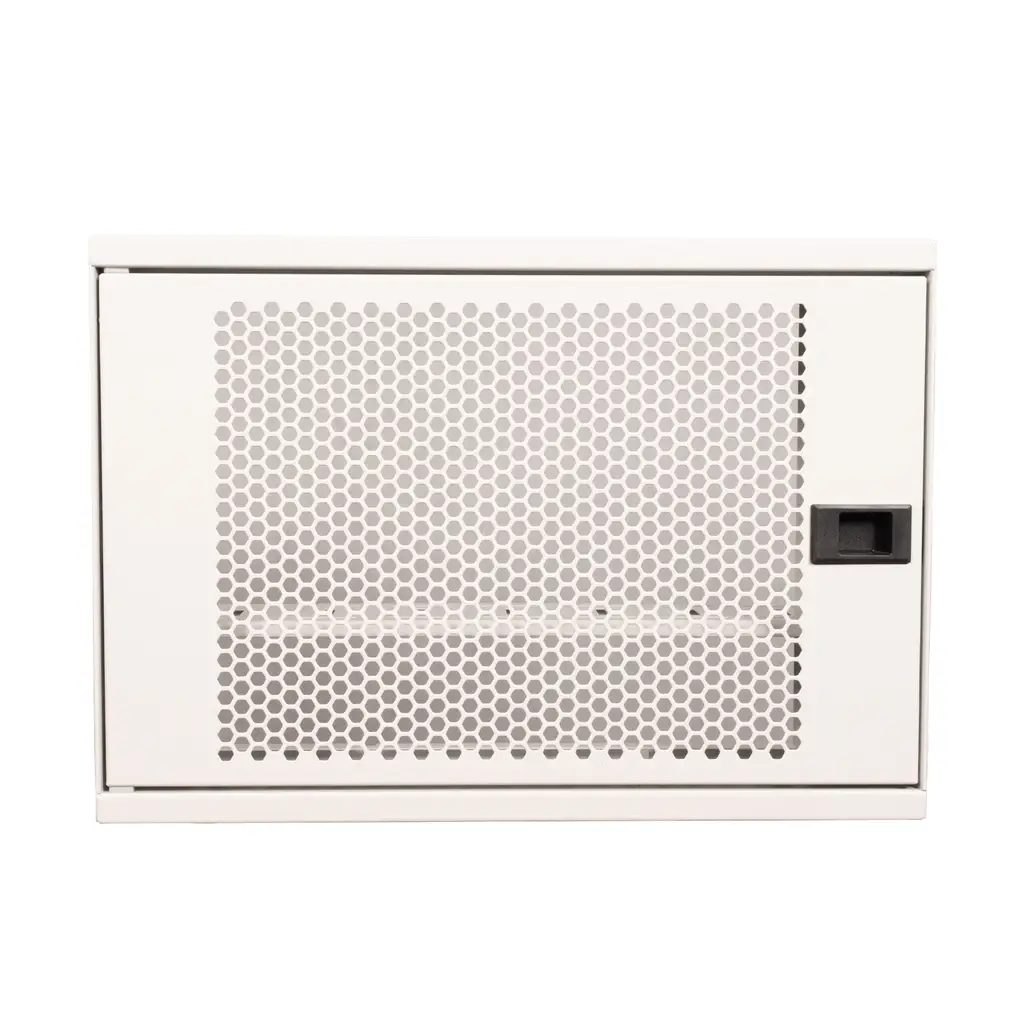
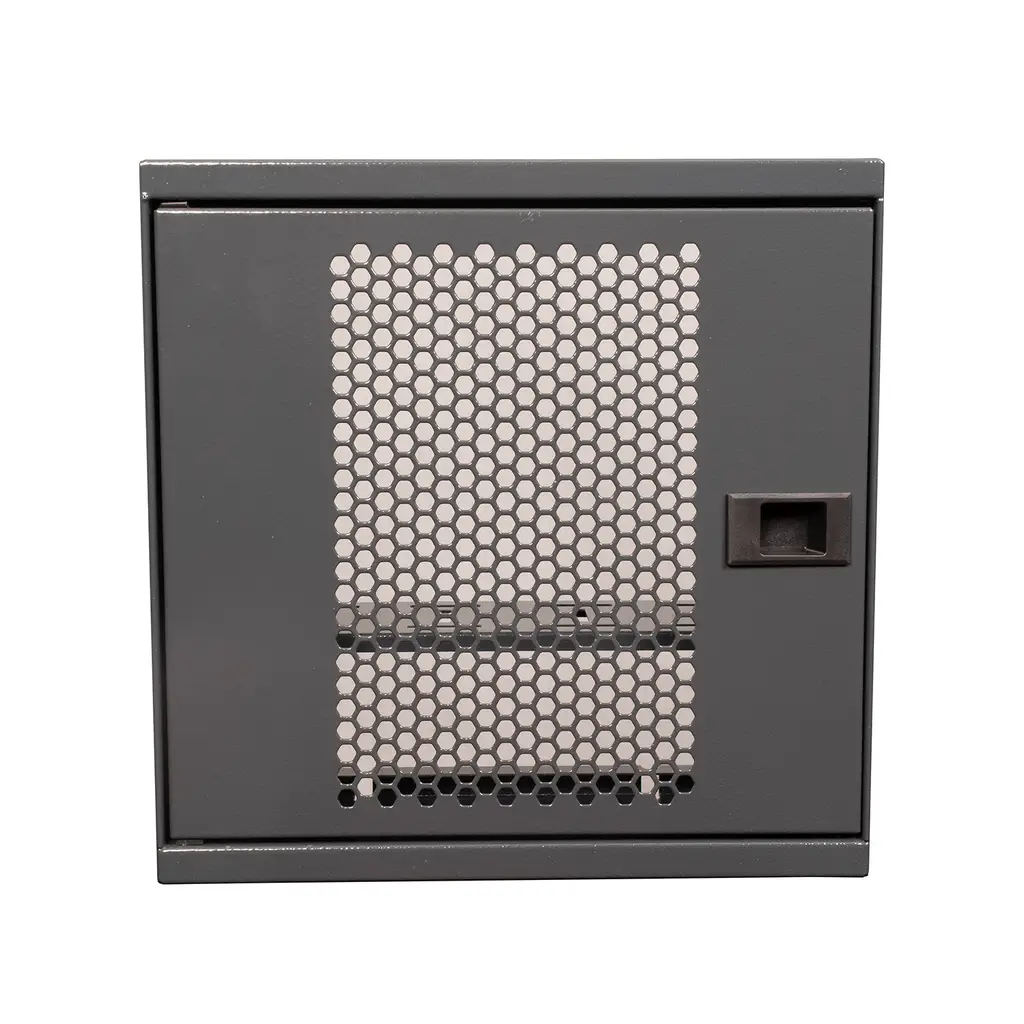
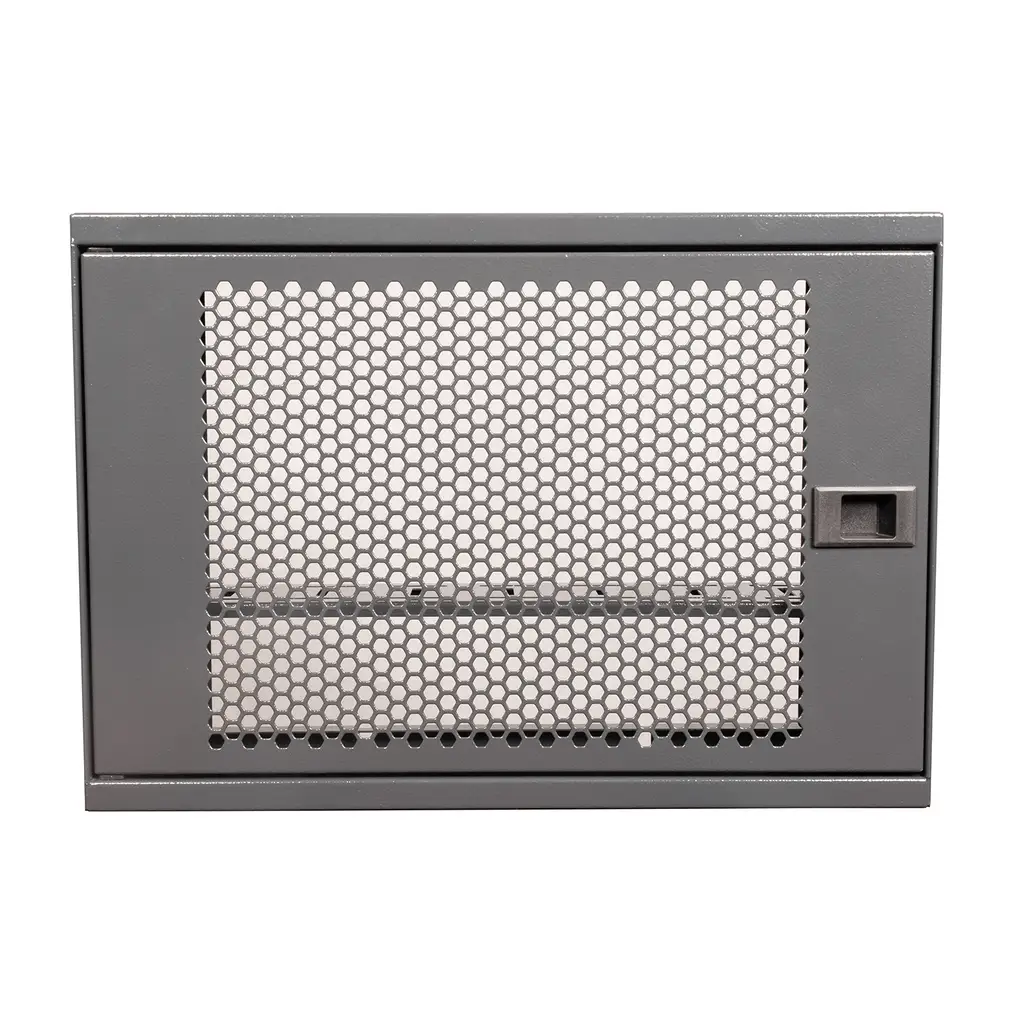
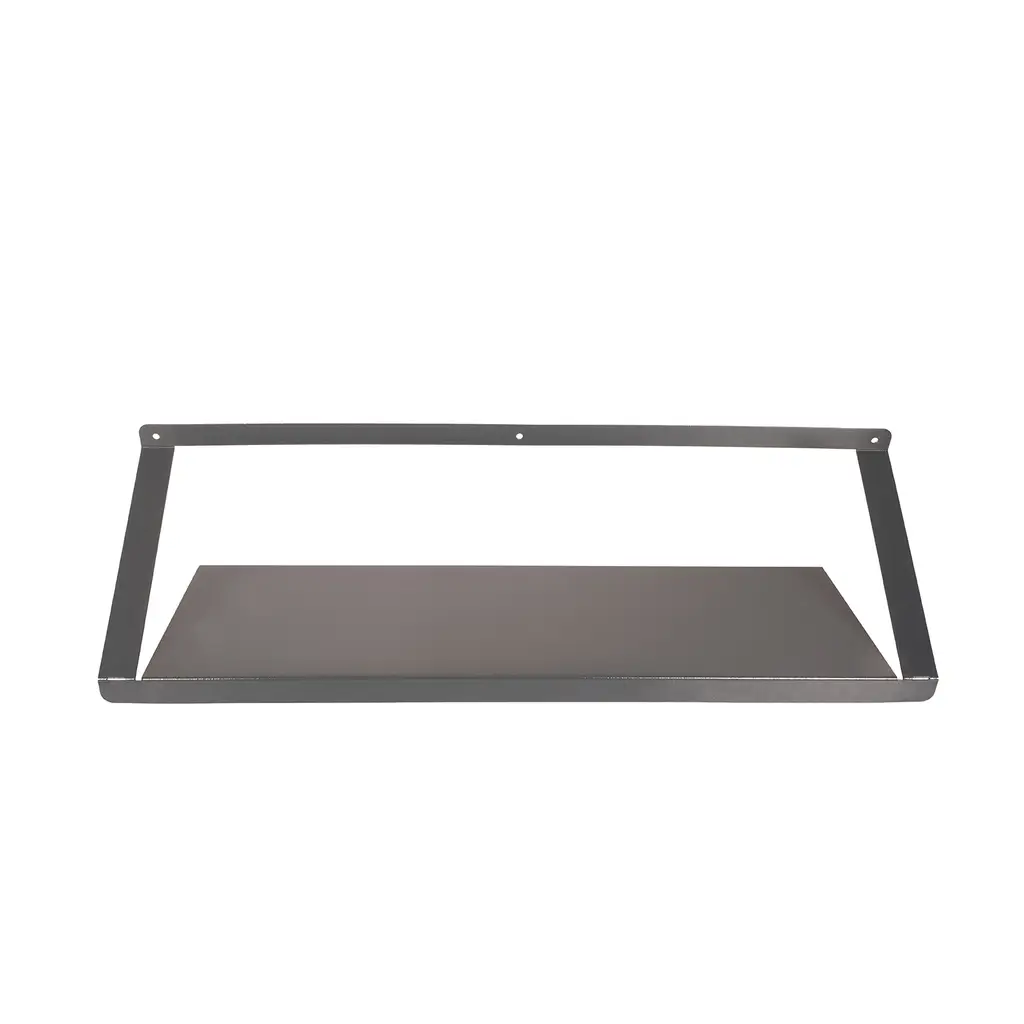
Products also searched for as modem storage boxes or modem cabinets include enclosed and lockable boxes and open shelving options in the ALFAHOME Ziglat range. Compare their dimensions with your measurements:
| Product | Type | External dimensions (W × H × D) | Internal dimensions (W × H × D) | Weight |
|---|---|---|---|---|
| Ziglat 450 WiFi Box | Wall-mounted, lockable box | 450 × 350 × 120 mm | [Verify] | 3.2 kg |
| Ziglat 400 WiFi Box | Wall-mounted, lockable box | 400 × 280 × 120 mm | [Verify] | 2.5 kg |
| Ziglat 280 WiFi Box | Wall-mounted, lockable box | 280 × 280 × 120 mm | [Verify] | 2.2 kg |
| Ziglat 150 Metal Shelf | Wall-mounted, open shelf | 700 × 200 × 150 mm | Open shelf | 2.2 kg |
The Ziglat WiFi Box models are metal enclosures with perforated front doors, designed to accommodate modems, routers, ONTs, switches, power sockets, adapters and cables. The Ziglat 150 is a general-purpose wall shelf, not a shelf specifically designed for modems. Its 200 mm depth and 150 mm height should be compared with the dimensions of your modem and adapter. [Verify the height specification: does it refer to the overall height or the usable clearance?]
Explore all the boxes in the WiFi Box – Modem Box category. Check the available variants and dimensions on the product pages before placing an order.
Measuring only the modem body: Antennas, adapters and cables are often overlooked.
Confusing internal and external dimensions.
Ignoring ventilation clearance: The modem may fit but lack sufficient airflow.
Failing to account for cable outlets: The door may not close, or the cables may be under pressure.
Not measuring the installation space.
Overlooking mounting requirements: Wall construction and fixing points matter.
Forgetting additional devices: A switch or ONT may be added later.
Measure the modem’s width, depth and height. Add space for antennas, the adapter, cable bends and ventilation. Then compare the result with the box’s internal dimensions.
Usually, this is not sufficient. Additional space is needed for cable connections, the power adapter and airflow.
Both matter. Internal dimensions determine whether the devices will fit inside, while external dimensions determine whether the box will fit in the intended location.
Not necessarily, but it may take up more space than needed. The important thing is to choose dimensions that accommodate the equipment and fit the available space.
Measure the height with the antennas included. Also allow for the movement range of adjustable antennas.
Measure both devices, their adapters and their cables, then compare the combined space requirements with the box’s internal dimensions. Preserve ventilation clearance and the space needed to bend the fibre-optic cable.
Check the internal dimensions, ventilation, cable access and mounting features. As metal can affect Wi-Fi signals, test the coverage after installation.
Choosing the correct modem box size helps ensure that the device fits comfortably, cables remain organised and ventilation is maintained. Measure the modem, antennas, adapter and cables, and check the internal and external dimensions separately.
Before purchasing the product that fits your chosen dimensions, read our modem box buying guide to compare the available options and key purchasing criteria. Compare the dimensions of ALFAHOME Ziglat models in the WiFi Box – Modem Box category. For more selection criteria, read our modem box buying guide, or explore ways to hide a modem for a tidier appearance.
13.10.2026Alfahome Ziglat 400 Series Wifi Box and Modem Box- Lockable Metal Cabinet
Alfahome Ziglat 280 Series Wifi Box and Modem Box- Lockable Metal Cabinet
Alfahome Ziglat 450 Series Wifi Box and Modem Box- Lockable Metal Cabinet




Alfafonet Complete Connectivity Solutions © 2026 All Rights Reserved.


0
)