×

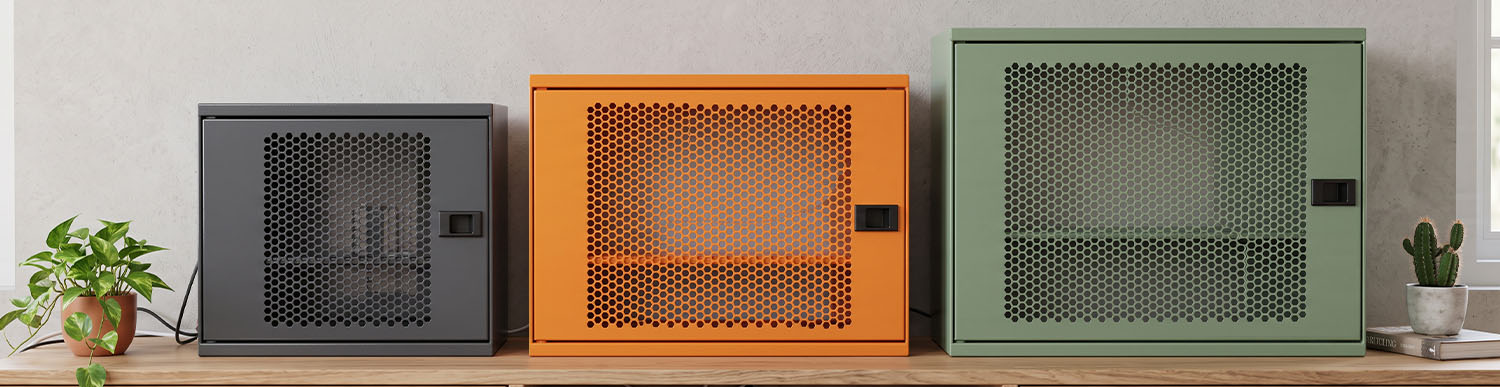
A modem box is an enclosure designed to keep a modem and its accessories, such as power adapters and cables, neatly organised in one place. To choose the right option, consider the dimensions of the modem and accessories, ventilation, cable access, mounting surface and potential impact on Wi-Fi signal. You can also compare ALFAHOME modem cabinet options based on these criteria.
Estimated reading time: 6 minutes
A modem box is an enclosure used to house an internet modem and its associated components, such as a power adapter, Ethernet cables or fibre-optic cables. It helps prevent the modem from being left exposed and keeps cables tidy in homes, offices and shared spaces.
Modem boxes vary in design, size, material and mounting method. Some are designed to accommodate only a modem and its power adapter, while others provide space for additional networking equipment. They are also commonly referred to as modem cabinets or modem storage boxes.
A modem box offers three main benefits:
Cable management: The modem, power adapter and cables are kept together in one place. Models with suitable cable entry points help prevent cables from becoming tangled or scattered. If additional organisation is needed inside the box, Cable Organisers can also be used.
A tidier appearance: Instead of creating visual clutter around furniture or on walls, the modem can be positioned neatly in a designated space.
A more protected position: Models with doors reduce direct exposure to the surrounding environment. However, this does not mean that the enclosure is dustproof or waterproof. The level of protection should be verified against the product's technical specifications.
A modem box is generally a compact enclosure designed specifically for a modem. A modem cabinet usually offers more internal space and can accommodate a modem alongside a switch, access point or additional power adapters. In practice, the main difference often lies in the internal capacity and mounting design rather than the name alone.
| Criteria | Modem box | Modem cabinet |
|---|---|---|
| Purpose | Enclosure for a single modem | Larger enclosure for a modem and additional equipment |
| Size | More compact | Larger, depending on internal capacity |
| Suitable for | A modem and power adapter | A modem plus devices such as a switch or access point |
| Key consideration | Modem dimensions and cable clearance | Internal capacity, accessibility and cable management |
For home use, a modem box is often sufficient. If you use multiple networking devices or need a larger wall-mounted solution, you can also explore the Wall-Mounted Cabinet and Multi-Purpose Cabinet categories.
Start by measuring the width, depth and height of your modem, then measure the power adapter and cables. The internal dimensions of the box must provide enough room not only for the modem itself but also for cables to be connected without bending excessively. Checking only the external dimensions may result in cables becoming trapped when the door is closed.
Modems generate heat during operation, and this heat can build up inside an enclosed space. Choose a design with ventilation openings that allows air to circulate and avoids placing the device directly against a wall or the rear panel. Check the modem manufacturer's guidance on operating temperatures and placement.
Important: Do not assume that an enclosure without ventilation openings, or one whose thermal suitability has not been verified, is suitable for every modem.
The enclosure should have entry points for the power cable, Ethernet cable and internet connection. The position of these openings affects whether the door closes properly and whether you can access the modem's ports when necessary.
If you use a fibre-optic connection, remember that pinching or sharply bending the fibre cable can cause signal loss. If the existing cable does not reach the modem, see our guide to extending a fibre-optic cable.
A metal enclosure can provide a durable solution when designed and installed correctly. However, the material alone is not enough to determine suitability. The surface finish, ventilation design and intended operating environment should all be considered. Explore our metal furniture range for further options.
For a wall-mounted enclosure, the load-bearing capacity and wall construction, whether brick, concrete or plasterboard, are important. Calculate the combined weight of the modem, power adapter and cables, then check the product's mounting hardware and load specifications. Allow enough clearance for the door to open and for maintenance access.
Placing a modem inside an enclosure can affect Wi-Fi coverage. The extent of the impact depends on the enclosure material, modem antenna design and device positioning. Metal enclosures can attenuate wireless signals more significantly.
Position the modem in a central location in your home and check connection quality after installing the enclosure. If necessary, consider using an access point outside the enclosure to distribute the Wi-Fi signal.
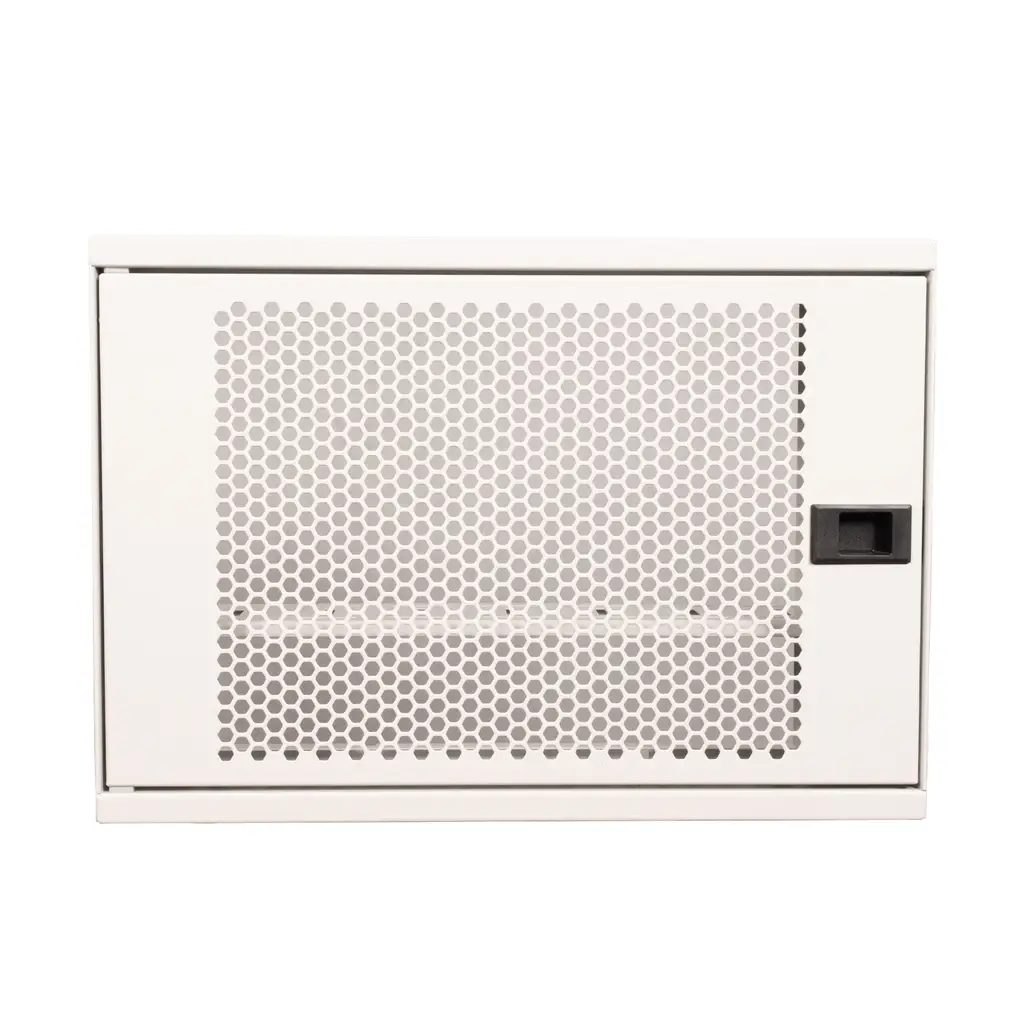
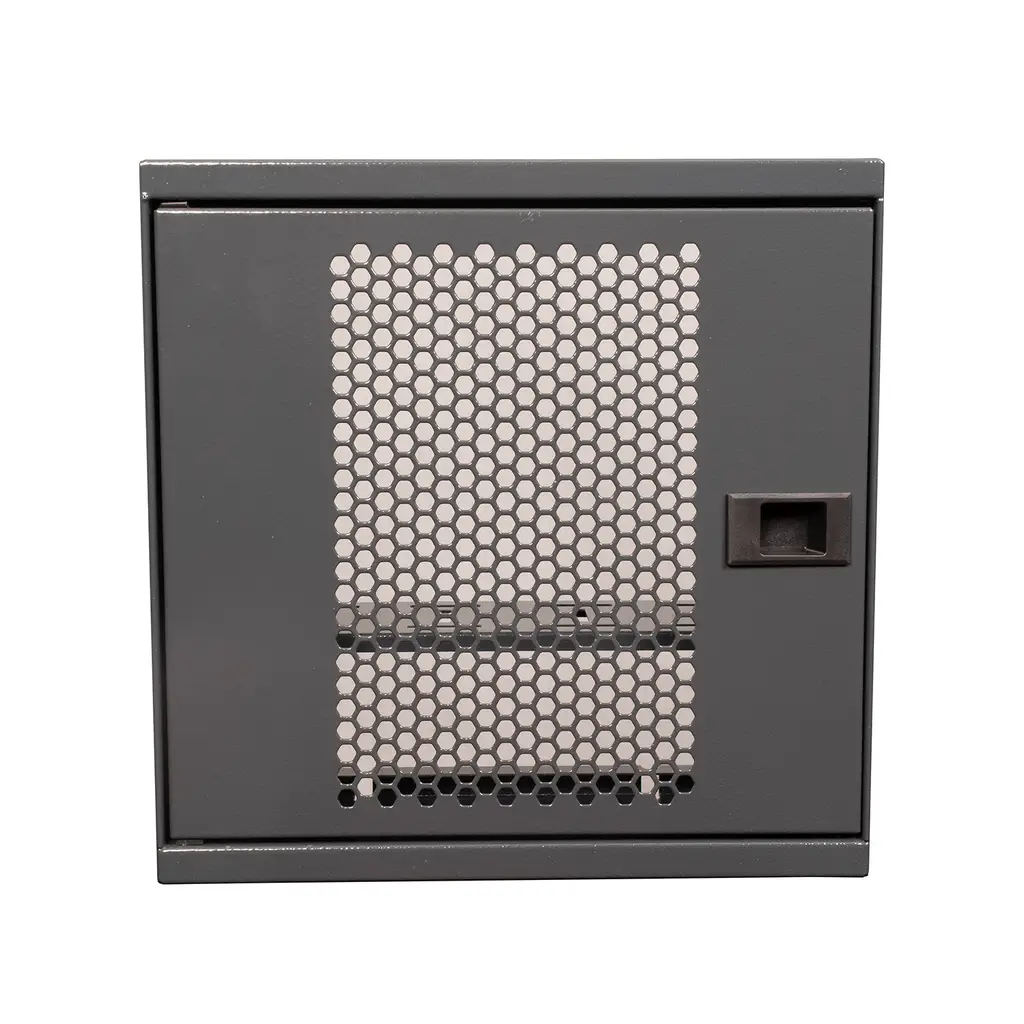
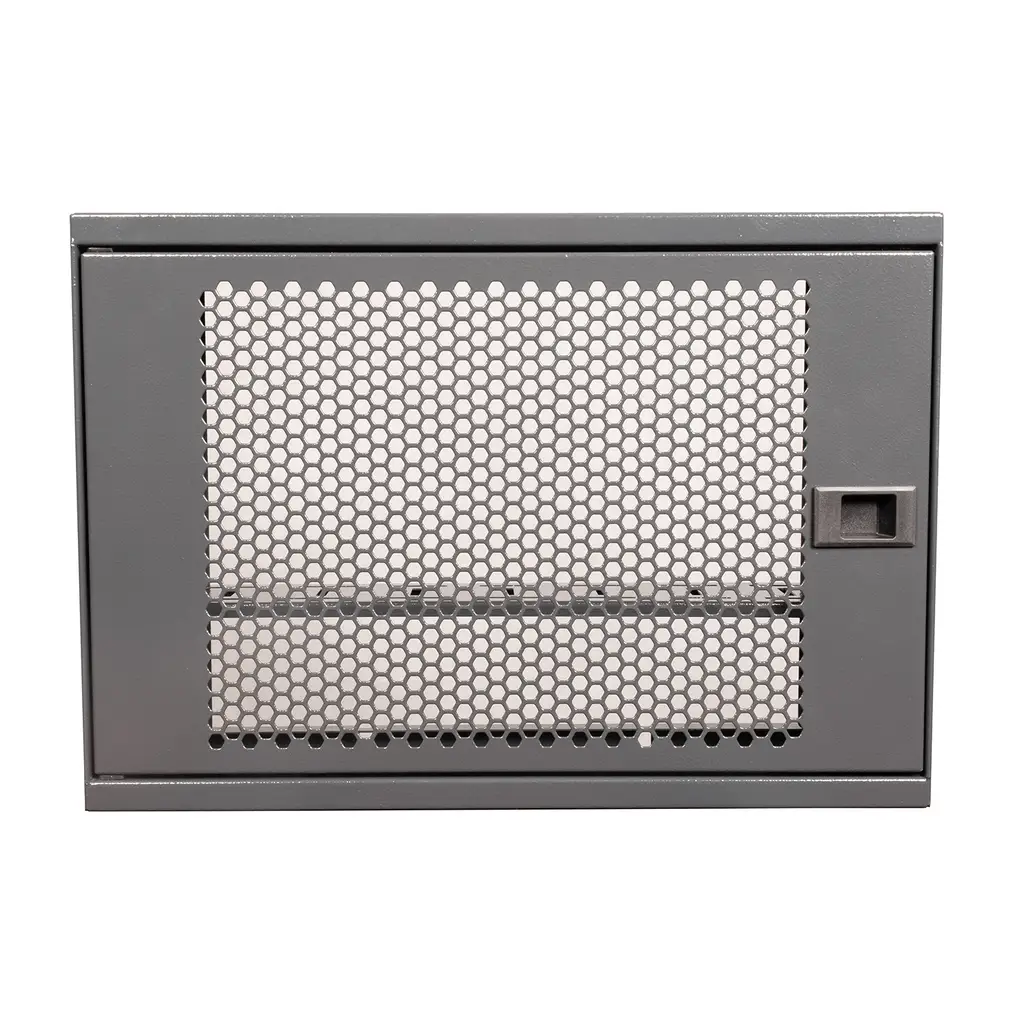
The front door of the ALFAHOME Ziglat series is made from perforated metal. According to the product description, this design supports airflow inside the enclosure. As the effect of a closed metal enclosure on Wi-Fi performance depends on the modem's antenna position and the surrounding environment, test wireless coverage after installation.
Homes, offices and shared spaces have different requirements. If you intend to use the enclosure in a damp or outdoor location, confirm with the manufacturer that the product is suitable for those conditions. Not every modem box is designed for such environments.
| Model | Stock code | Available colours | Dimensions |
|---|---|---|---|
| Ziglat 450 | ALF-WF-453512-B-M00 | Anthracite Grey, Matt White, Orange, Green | 450 × 350 × 120 mm |
| Ziglat 400 | ALF-WF-402812-B-M00 | Anthracite Grey, Matt White, Orange, Green | 400 × 280 × 120 mm |
| Ziglat 280 | ALF-WF-282812-B-M00 | Anthracite Grey, Matt White, Orange, Green | 280 × 280 × 120 mm |
Checking only the external dimensions: This overlooks the internal space and cable clearance required.
Ignoring ventilation: Insufficient airflow can cause heat to build up inside the enclosure.
Overlooking the effect on Wi-Fi: Wireless signals may be weakened, particularly by metal enclosures.
Failing to measure the installation area: The door may not open fully, making cables difficult to access.
Assuming the enclosure provides protection: A metal body or door alone does not establish dust or water resistance.
Forgetting the power adapter: There may not be enough room for the adapter and additional equipment.
A modem box houses the modem and its connection accessories in one enclosure, helping to reduce cable clutter and create a tidier installation.
Modems generate heat during operation. Heat can accumulate inside an enclosed box if ventilation is inadequate. Choose a design with suitable ventilation and follow the modem manufacturer's recommendations.
Yes. Metal enclosures can affect wireless signal propagation. The extent of the impact depends on the enclosure's design, the modem's antennas and its position.
Yes, provided the enclosure has suitable dimensions, ventilation and cable entry points. Ensure that the fibre cable is not sharply bent or pinched, and follow the device manufacturer's placement recommendations.
Measure the modem's width, depth and height, along with the space required for the power adapter and cables. Allow for ventilation and door clearance, then compare these measurements with the product's internal dimensions.
This depends on the product's design. For wall-mounted models, check the mounting hardware, load-bearing capacity and suitability for the wall type.
No. A modem box does not increase internet speed. Its material and the modem's position can affect Wi-Fi coverage, but internet speed depends on your broadband service, modem and network settings.
No. Modems vary in dimensions, antenna design, port positions and ventilation requirements. Check the internal dimensions before purchasing an enclosure.
A lock is not essential in every situation. A lockable model can be useful in offices, cafés and shared spaces where unauthorised access is possible. In a home environment, appearance and organisation may be the main considerations.
The right modem box should accommodate your modem and accessories, provide convenient cable access, allow sufficient ventilation and suit the intended installation location. Consider dimensions, ventilation, mounting requirements and potential Wi-Fi interference together before making your choice.
Compare the dimensions and colour options of the ALFAHOME Ziglat 450, 400 and 280 models in the Wi-Fi Box – Modem Box category.
13.10.2026Alfahome Ziglat 400 Series Wifi Box and Modem Box- Lockable Metal Cabinet
Alfahome Ziglat 280 Series Wifi Box and Modem Box- Lockable Metal Cabinet
Alfahome Ziglat 450 Series Wifi Box and Modem Box- Lockable Metal Cabinet




Alfafonet Complete Connectivity Solutions © 2026 All Rights Reserved.


0
)